
Bluetooth Finder: Find a Lost Bluetooth Device Nearby
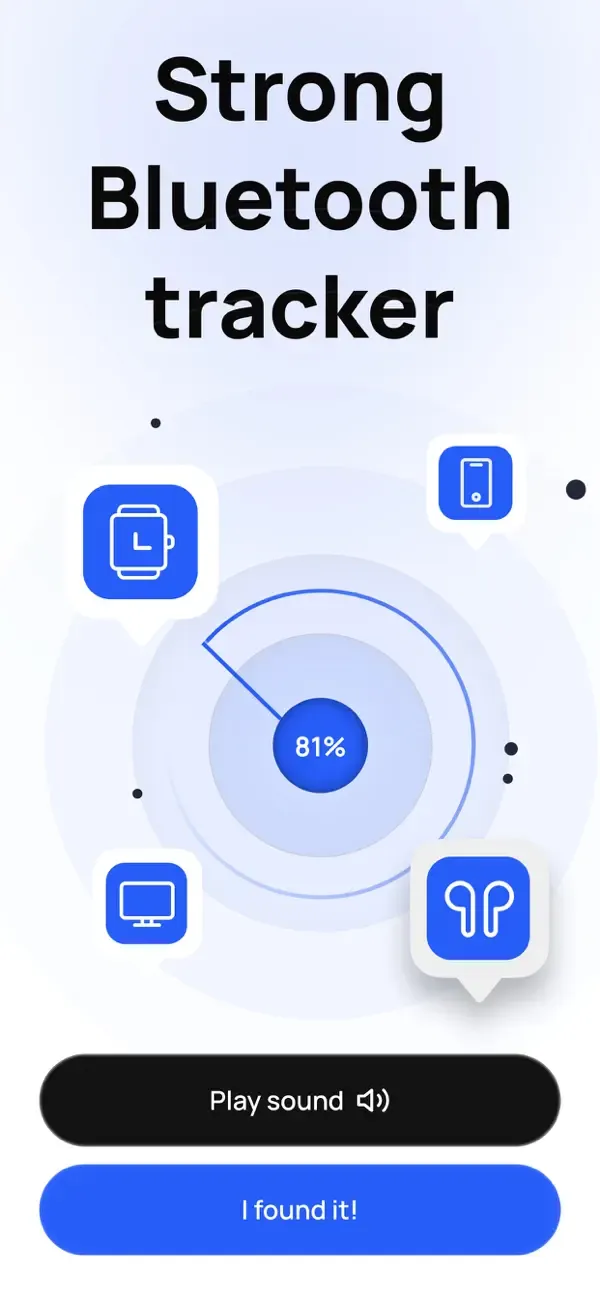
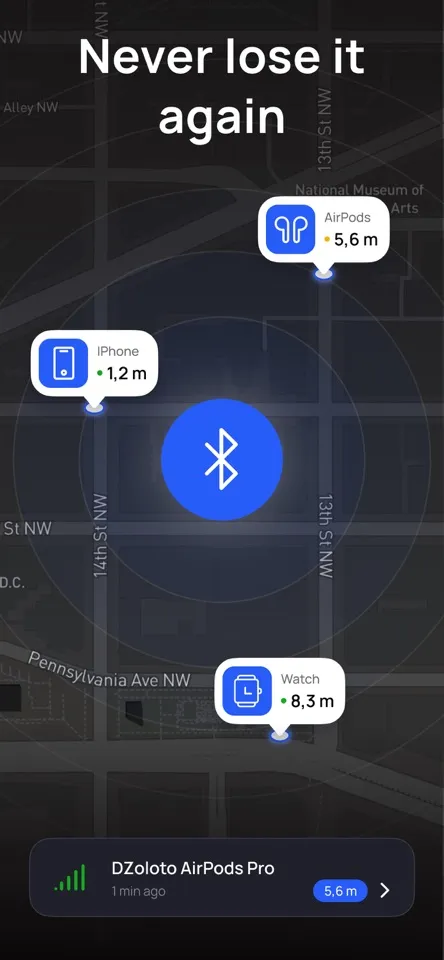
Bluetooth Finder is an iPhone app for finding a nearby device by its Bluetooth signal. Start with the manufacturer’s finder, then compare a live signal as you check the likely room.
- Works with powered-on devices in Bluetooth range
- Signal strength is a clue, not a GPS location
How to search with Bluetooth Finder
At the likely location, use a repeatable signal change to decide where to look next.
- 01
Let the app listen
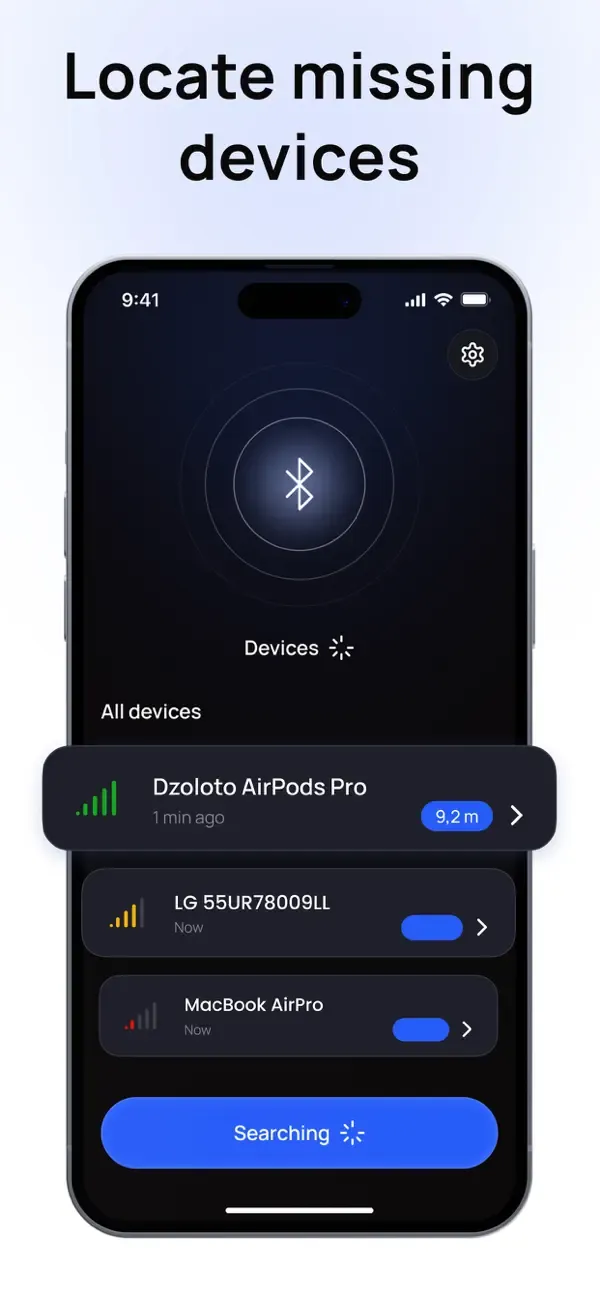
Open Bluetooth Finder and give it a moment to list the BLE signals your iPhone can receive.
- 02
Pick a likely device
Use the device name and signal strength to narrow the list to the item you are looking for.
- 03
Follow the stronger signal
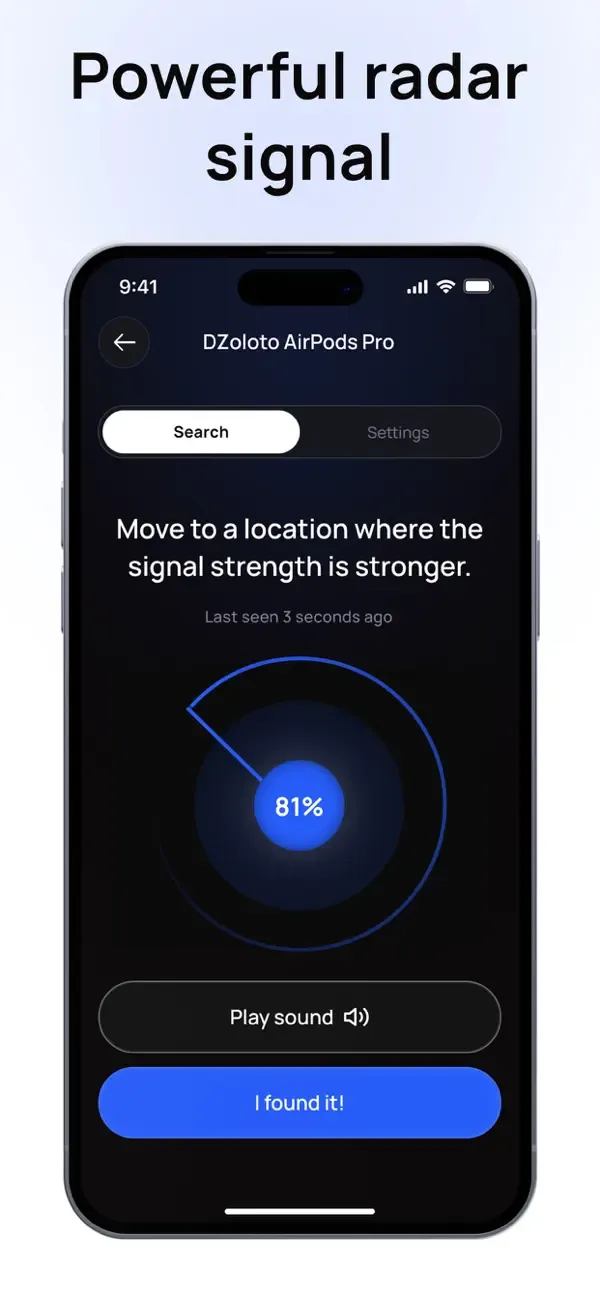
Walk slowly and compare several readings. The trend matters more than a single number.
What are you trying to find?
AirPods
Start with Find My. Choose the next steps for one AirPod, a missing case or an offline pair.
Other earbuds and headphones
Check the manufacturer finder, then try a nearby search for a discoverable Bluetooth signal.
Apple Pencil
Pencil Pro has Find My. Other models need a different search path; check yours before scanning.
Rings and wearables
Check the companion app’s locate or last-connection clues, then search the likely area.
Compare the signal, not one reading
RSSI is the signal strength your iPhone receives. A value closer to zero usually means a stronger signal. Walls, your body and the device itself can change the reading, so compare the trend instead of trusting one number.
Read the RSSI guideExample only. The environment and the device can change the values.

See the signal change as you move
Pause, take a few steps and compare again. When the same signal stays stronger, check the furniture, bags and pockets around that spot.
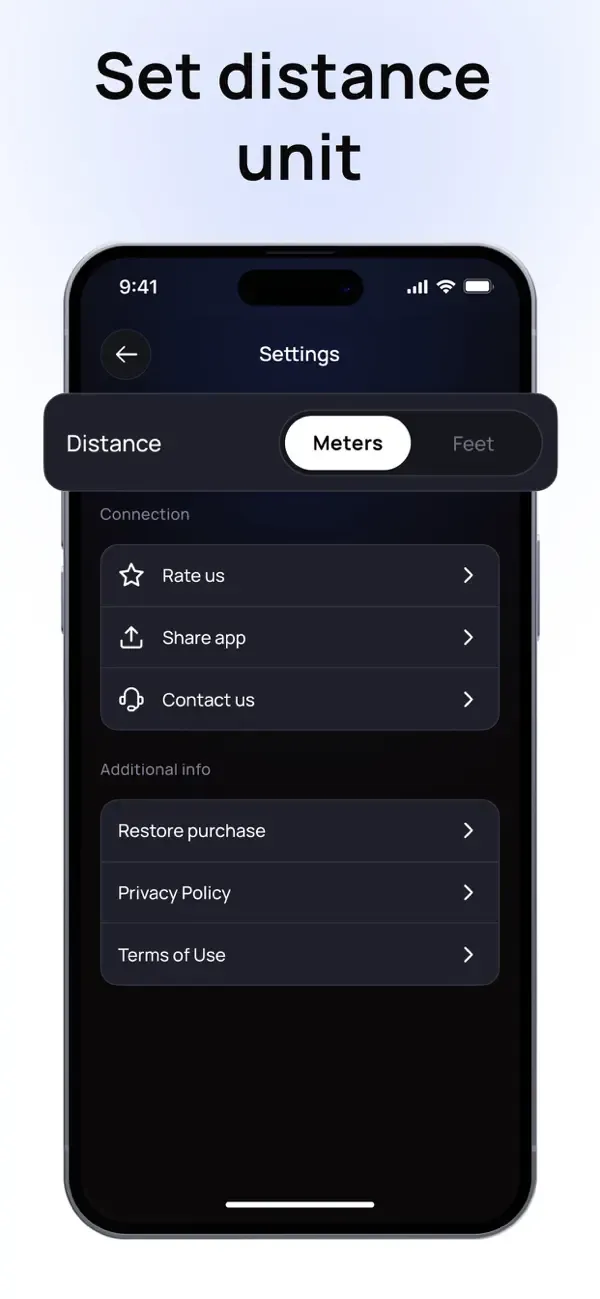
Displayed distances are signal-based estimates, not GPS measurements.
What Bluetooth Finder cannot do
It cannot show a remote GPS location, find a powered-off device or detect hardware that is not broadcasting Bluetooth Low Energy.
Start with a Bluetooth scan.
Open Bluetooth Finder, choose a likely device and move slowly. A rising signal is a useful clue that you are getting closer.
Download on theApp StoreRequires iOS 17 or later.